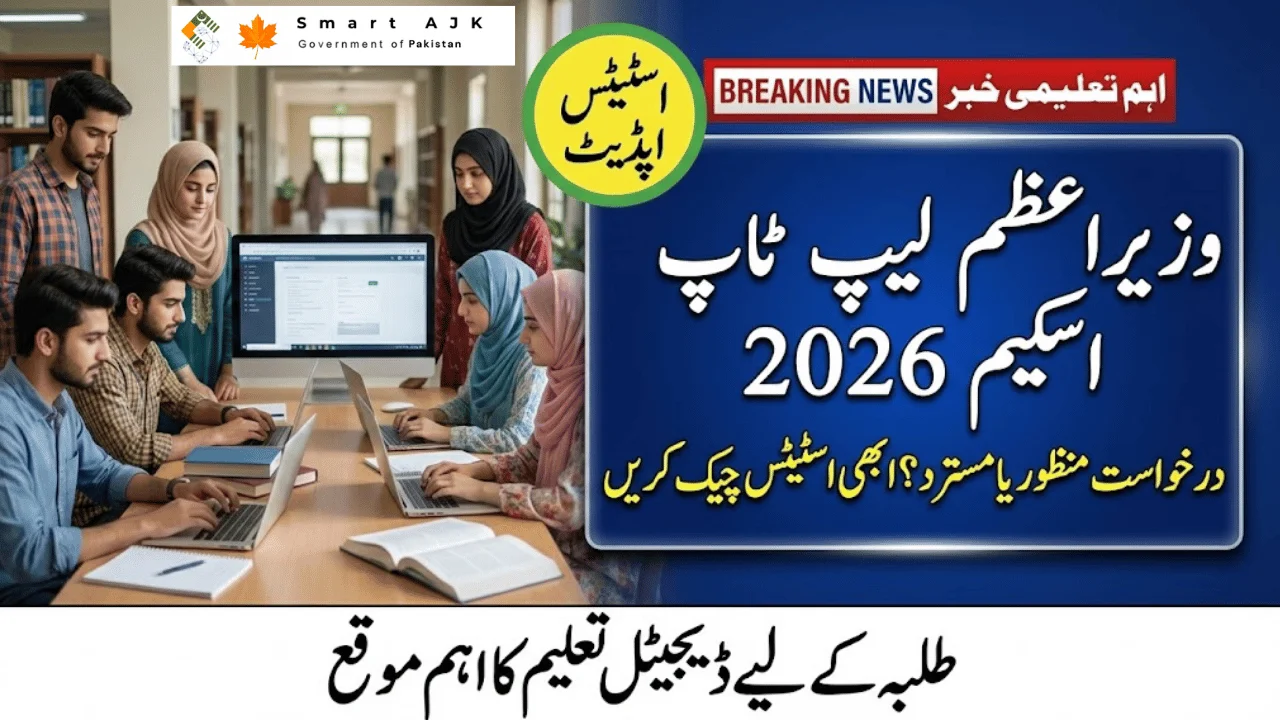
The PM Laptop Scheme 2026 is one of the most awaited student programs in Pakistan, and for good reason. A single status update—approved, rejected, or under review—decides whether you’ll receive a free laptop for your studies. If you’ve applied, checking your status early helps you avoid confusion and act on time.
What the PM Laptop Scheme 2026 Is About
This scheme supports merit-based students enrolled in public sector universities by providing laptops to strengthen digital learning. It’s designed to help students access online resources, research tools, and academic platforms without financial strain. Selection is strictly merit-driven, based on verified academic records.
Why Your Application Status Matters
Your dashboard shows one of three results, and each has a clear meaning:
-
Approved: Your records are verified and you’re eligible. Next step is to wait for the official distribution schedule and SMS alert.
-
Rejected: There’s an eligibility or data issue. Many rejections happen due to fixable errors.

-
Under Review: Verification is ongoing. No action needed yet—just keep checking.
Understanding this saves time and prevents unnecessary visits or emails.
Common Reasons Applications Get Rejected
Most rejections are not permanent. Typical issues include:
-
Incorrect CGPA or enrollment details

-
CNIC mismatch or incomplete information
-
Enrollment in a private institution
-
Late submission
If rejected, review remarks carefully and contact your university focal person—many issues can be clarified or corrected.

How to Check PM Laptop Scheme 2026 Status
Checking your status takes just a minute:
-
Visit the official portal: laptop.pmyp.gov.pk
-
Log in with your CNIC and password
-
Open your dashboard to view the current status

Status Guide (Quick View):
| Status | What It Means | What You Should Do |
|---|---|---|
| Approved | Eligible and verified | Wait for distribution notice |
| Rejected | Eligibility or data issue | Contact university focal person |
| Under Review | Verification still in progress | Monitor portal for updates |
What to Do Next
-
If approved: Keep your CNIC and contact details updated and follow your university’s instructions for collection.
-
If rejected: Check remarks, correct errors if possible, and seek guidance from your university.
-
If under review: Be patient; updates are posted once verification completes.
Final Word
The PM Laptop Scheme 2026 can make a real difference in your academic journey. Check your status only through official channels, act quickly if corrections are needed, and avoid unofficial sources. Staying informed is the key to not missing out.





This article is published for informational and educational purposes only. nise.org.pk is not an official government website and is not affiliated with any government department. Readers are advised to verify all information from official sources before taking any action.